Avoid duplicate post penalties and maximize the organic reach of your company’s news.
The #1 Employee Advocacy Platform on G2
Dynamic Display:
Content Variations at Scale
Empower your team to share on-brand content that feels authentic, unique every time.




Say Goodbye to Copy-Paste Employee Advocacy
When employees share identical LinkedIn content, your brand presence feels robotic.
With Dynamic Display, you provide the options, and our AI-powered engine handles the variety.
Why it matters
Boost social media engagement
Unique posts spark more genuine conversations and higher click-through rates.
Empower employees
Remove the “stage fright” of sharing. When employees have options, they feel more confident that their feed remains their own.
Protect brand integrity
Ensure that even with variety, every version of the story stays on-message and brand-compliant.
How Dynamic Display by DSMN8 Works
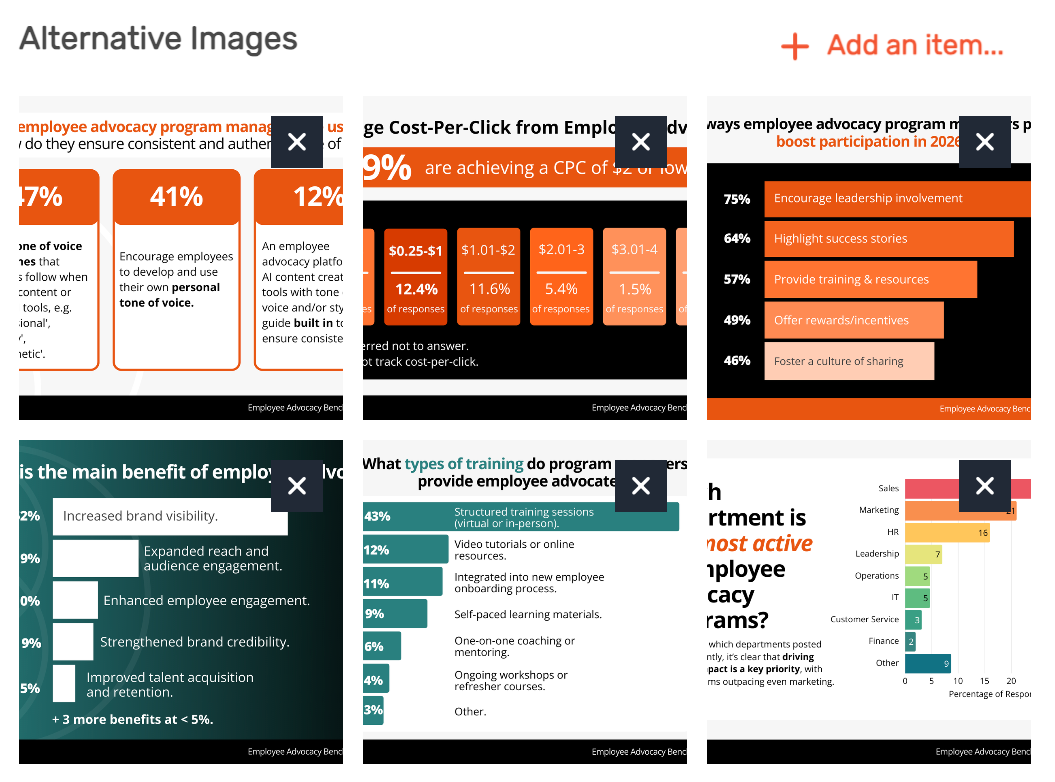
1: Provide Variety. Inside the DSMN8 platform, curators add multiple caption options, images, and link preview variations (titles and descriptions) to a piece of content.
2: Target Your Messaging. Optionally designate specific captions for different teams, groups, or executive influencers, and assign platform-specific versions to ensure character limits are met.
3: Employees Choose Caption & Personalize with AI. Employees select their favorite post version. They can use Personal Voice AI to instantly refine the caption to match their unique professional tone.
4: Automate or Share Manually. Employees choose share or schedule. Alternatively, use auto-scheduling, and DSMN8 will randomly select a unique combination of your assets.
Watch the video to see how Dynamic Display works!
What Dynamic Display Unlocks For Your Company
Multi-Asset Content
Add multiple captions and images to every piece of content. Employees choose the visual and copy that resonates.
Customizable Link Previews
For blog posts and articles, don’t settle for a single meta-title. Create variations of titles and descriptions for every link.
Team-Specific Captions
Tailor your messaging for different departments. Specific captions for teams or languages ensure content is always relevant.
Platform-Optimized Messaging
Assign specific captions to different social networks to stay within character limits and match platform etiquette.
Support Executive Personal Brands
Use Dynamic Display to create and lock specific caption variations exclusively for your leadership team.
AI-Powered Personalization
Employees can select a caption then use Personal Voice AI to instantly refine the post into their own unique tone of voice.
Intelligent Auto-Rotation
When employees use auto-scheduling to "set-and-forget" their experience, DSMN8’s engine intelligently rotates through your pool of captions, images, and headlines.
“This initiative has given employees who didn’t have the know-how, the knowledge, confidence, and inspiration to become active social influencers.”

What do you like best about DSMN8?
“I like the ease of usage and the of content. It’s so easy to get access to different articles and to share them on different platforms. Posts can be easily shared as they are or amended to give them a more personal touch.”
What do you like best about DSMN8?
“Easy to use, our marketing team handles most of it! They offer different for articles, and I can curate what I want to post.”
What problems is DSMN8 solving and how is that benefiting you?
“I think it was awesome how you helped us accommodate for adding images and so that way the posts from our teams look more organic.”


Join global enterprise teams using DSMN8 to drive reach, engagement and ROI through employee-led social amplification.
AI & Automation
Avoid Identical Posts
Measurable Impact
Frequently Asked Questions
What is Dynamic Display?
Dynamic Display is a DSMN8 feature designed to eliminate repetitive, “cookie-cutter” employee social media sharing. It allows content curators to provide a library of different captions, images, and link preview variations for a single piece of content.
Instead of every employee sharing the exact same post, Dynamic Display gives them a variety of pre-approved options to choose from. This ensures that your brand’s presence on social media looks organic and diverse. These posts can be further customized with employee editing or Personal Voice AI.
How many variations can I add to a single post?
There is no strict limit! We recommend providing at least 3-5 variations for captions, images, and link titles. For example, providing 5 variations for each element creates 125 unique post combinations, ensuring even large workforces maintain a diverse feed.
Can I designate specific captions for my executive team?
Absolutely. You can segment captions so that only specific teams, groups, or executive influencers see them. This allows you to provide high-level, sophisticated messaging for leadership while keeping more conversational captions for your sales team.
How does Dynamic Display work with auto-scheduling?
For employees using our auto-scheduling feature, DSMN8’s engine intelligently and randomly selects a unique combination of your pre-approved assets. This ensures your “hands-off” advocates still contribute to a diverse and high-reaching brand presence.
How secure is DSMN8?
Security is a top priority. DSMN8 supports enterprise-grade security such as Single Sign-On (SSO), ISO-27001 certification, and strict data protection standards. You can be confident that your brand and employee data are safe. Learn more about DSMN8’s security.
What tools does DSMN8 integrate with?
DSMN8 connects with tools like Slack, Salesforce, Microsoft Teams, Analytics platforms, and more. This makes it easy to keep advocacy aligned with your marketing and sales stack, while making adoption smooth for employees. Read more about our integrations.
What support does DSMN8 provide?
We don’t just hand you the software and walk away. From onboarding to strategy guidance, training resources, and templates, our customer success team is with you every step. Whether you’re new to advocacy or scaling globally, you’ll always have expert support.